Buy work-shop.eu ?
We are moving the project
work-shop.eu .
Are you interested in purchasing the domain
work-shop.eu ?
domain@kv-gmbh.de · 0541-91531010
Buy work-shop.eu ?
Can Microsoft Office macros be executed on mobile Android devices?
Yes, Microsoft Office macros can be executed on mobile Android devices. The Microsoft Office mobile apps for Android, such as Word, Excel, and PowerPoint, support the execution of macros. Users can create, edit, and run macros within these apps on their Android devices, allowing for greater flexibility and productivity while on the go. **
Why doesn't Microsoft Office work on Rakuten?
Microsoft Office may not work on Rakuten because Rakuten is an e-commerce platform primarily designed for online shopping and transactions, not for document creation or editing. Microsoft Office is a suite of productivity tools for creating documents, spreadsheets, and presentations, which may not be necessary or compatible with the functions and features of an e-commerce platform like Rakuten. Additionally, Rakuten may have its own set of tools and software for managing its operations, making Microsoft Office unnecessary for its users. **
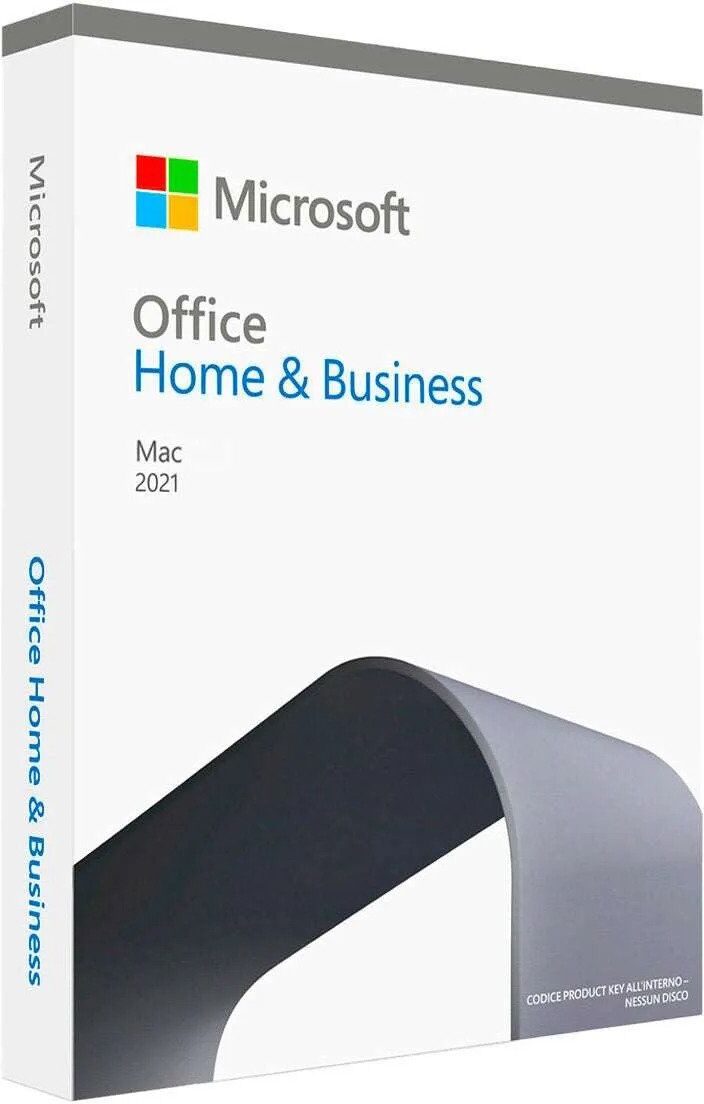

Similar search terms for Microsoft-Office-3-Devices
Top-Angebote
Products related to Microsoft-Office-3-Devices:
-
Microsoft Office for macOS 3 DevicesMicrosoft Office for macOS 3 Devices. Lifetime licence for 3 devices for macOS, delivered digitally by email. Includes essential productivity applications for work and home, multilingual support where available, official download access and installation guidance. No physical product or shipping is required.79,95 £*Shipping: 0,00 £Secure redirect to the provider
-
Microsoft Office 5 DevicesMicrosoft Office 5 Devices. Lifetime licence for 5 devices, delivered digitally by email. Includes essential productivity applications for work and home, multilingual support where available, official download access and installation guidance. No physical product or shipping is required.249,95 £*Shipping: 0,00 £Secure redirect to the provider
-
Microsoft Office for Windows 5 DevicesMicrosoft Office for Windows 5 Devices. Lifetime licence for 5 devices for Windows, delivered digitally by email. Includes essential productivity applications for work and home, multilingual support where available, official download access and installation guidance. No physical product or shipping is required.79,95 £*Shipping: 0,00 £Secure redirect to the provider
-
Microsoft Office for Windows 3 DevicesMicrosoft Office for Windows 3 Devices. Lifetime licence for 3 devices for Windows, delivered digitally by email. Includes essential productivity applications for work and home, multilingual support where available, official download access and installation guidance. No physical product or shipping is required.49,95 £*Shipping: 0,00 £Secure redirect to the provider
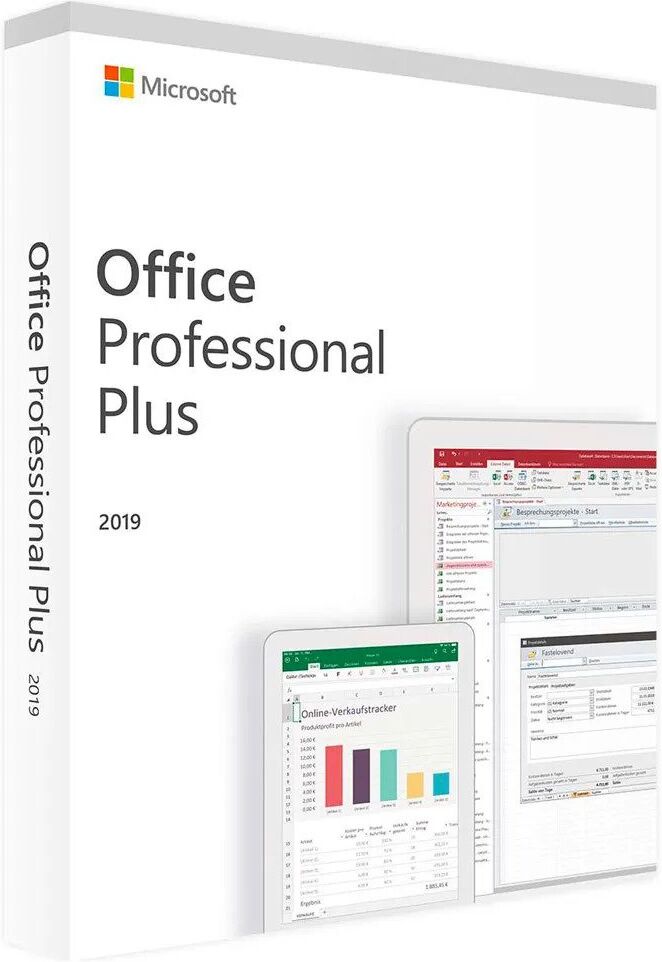

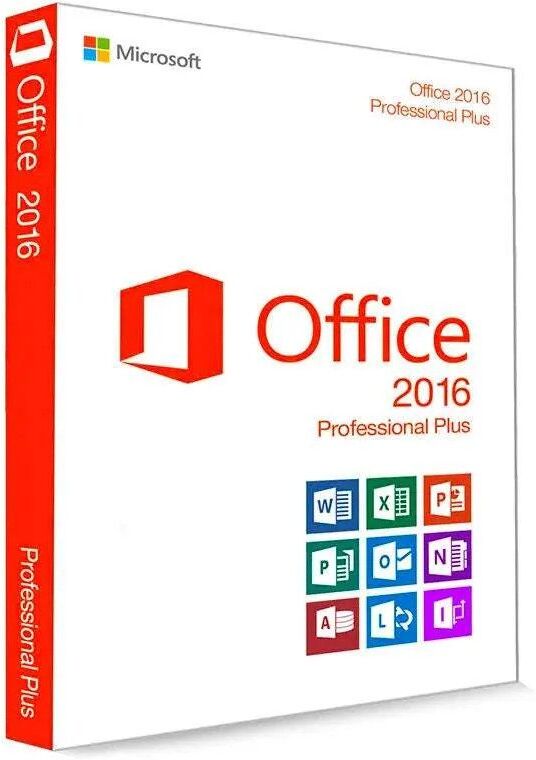

-
What is the difference between Microsoft Office 2019 and Microsoft Office 365?
Microsoft Office 2019 is a one-time purchase that includes classic applications such as Word, Excel, and PowerPoint. It does not receive new features or updates after the initial purchase, and users are required to pay for any future upgrades. On the other hand, Microsoft Office 365 is a subscription-based service that includes the latest versions of the Office applications, as well as other productivity services such as OneDrive and Skype. Office 365 subscribers receive regular updates and new features, and have the flexibility to access their applications and files from any device with an internet connection. **
-
How can one demonstrate Microsoft Office skills on a resume?
One can demonstrate Microsoft Office skills on a resume by listing specific programs within the suite that they are proficient in, such as Word, Excel, PowerPoint, and Outlook. Additionally, one can mention any certifications or training related to Microsoft Office, such as MOS (Microsoft Office Specialist) certification. It is also helpful to provide specific examples of how these skills were utilized in previous roles, such as creating reports in Excel or designing presentations in PowerPoint. Lastly, including any relevant projects or accomplishments that showcase Microsoft Office skills can further demonstrate proficiency in the suite. **
-
Why does Microsoft Office not work on Rakuten?
Microsoft Office does not work on Rakuten because Rakuten is an e-commerce platform primarily used for online shopping and does not have the necessary software infrastructure to support Microsoft Office applications. Additionally, Rakuten may not have a partnership or licensing agreement with Microsoft to offer their Office suite on their platform. Users looking to use Microsoft Office would need to access it on a device or platform that supports the software. **
-
Why doesn't Microsoft Office work on the tablet?
Microsoft Office may not work on some tablets because the tablet's operating system may not be compatible with the software. Additionally, the tablet's hardware may not meet the minimum requirements for running Microsoft Office. Some tablets may also have limited storage or processing power, which can affect the performance of the software. It's important to check the system requirements for Microsoft Office and ensure that the tablet meets those requirements before attempting to install the software. **

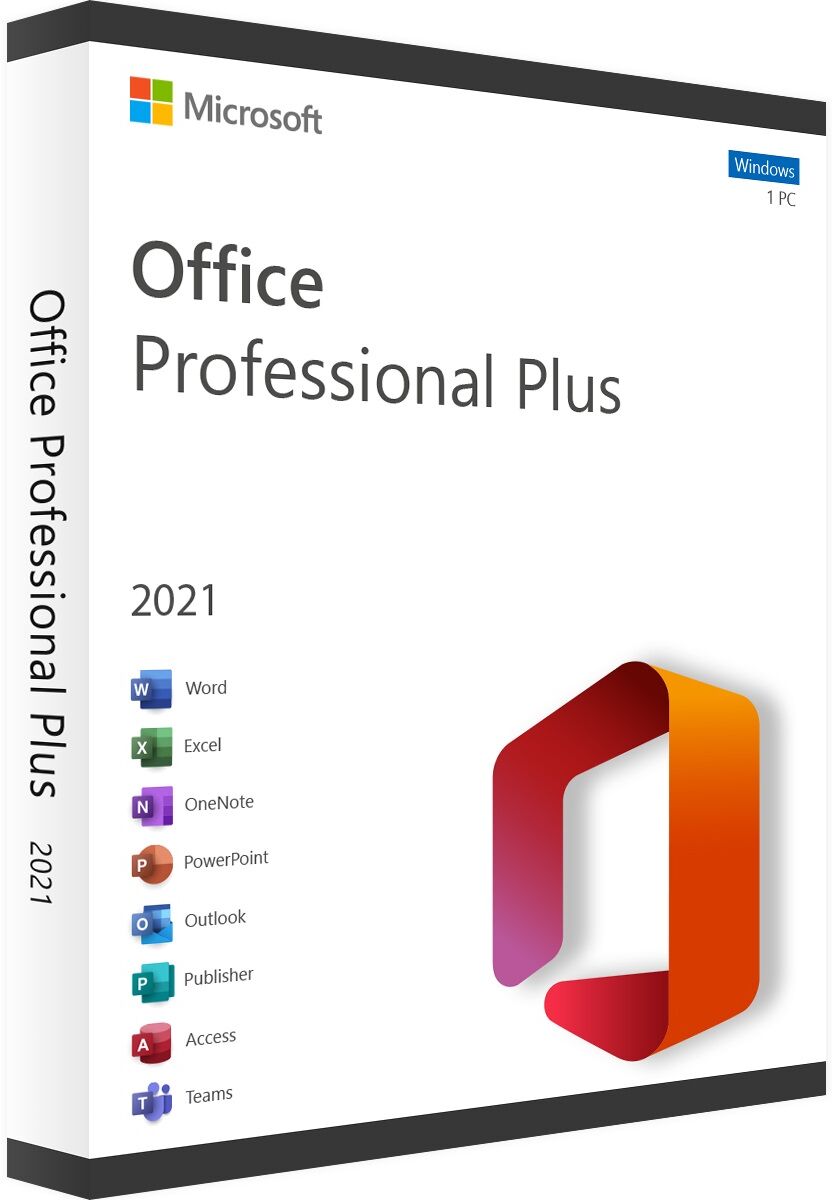
Do you need Microsoft 365 for office work?
Microsoft 365 is not necessarily required for office work, but it can be very beneficial. Microsoft 365 offers a suite of productivity tools such as Word, Excel, PowerPoint, and Outlook, as well as cloud storage and collaboration features. These tools can greatly enhance productivity and efficiency in an office environment. However, there are alternative software options available for office work, so the necessity of Microsoft 365 depends on the specific needs and preferences of the individual or organization. **
How can I upgrade from Microsoft Office 2007 to Microsoft Office 2019 without losing data?
To upgrade from Microsoft Office 2007 to Microsoft Office 2019 without losing data, you can follow these steps: 1. Backup your important files and data from Microsoft Office 2007 to an external storage device or cloud storage. 2. Uninstall Microsoft Office 2007 from your computer. 3. Install Microsoft Office 2019 on your computer. 4. During the installation process, choose the option to keep your files and settings to ensure that your data is retained. By following these steps, you can upgrade to Microsoft Office 2019 without losing any of your important data. **
Top-Angebote
Products related to Microsoft-Office-3-Devices:
-
Microsoft Office 3 DevicesMicrosoft Office 3 Devices. Lifetime licence for 3 devices, delivered digitally by email. Includes essential productivity applications for work and home, multilingual support where available, official download access and installation guidance. No physical product or shipping is required.169,90 £*Shipping: 0,00 £Secure redirect to the provider
-
Microsoft Office for Windows 3 DevicesMicrosoft Office for Windows 3 Devices. Lifetime licence for 3 devices for Windows, delivered digitally by email. Includes essential productivity applications for work and home, multilingual support where available, official download access and installation guidance. No physical product or shipping is required.69,95 £*Shipping: 0,00 £Secure redirect to the provider
-
Microsoft Office for macOS 3 DevicesMicrosoft Office for macOS 3 Devices. Lifetime licence for 3 devices for macOS, delivered digitally by email. Includes essential productivity applications for work and home, multilingual support where available, official download access and installation guidance. No physical product or shipping is required.79,95 £*Shipping: 0,00 £Secure redirect to the provider
-
Microsoft Office 5 DevicesMicrosoft Office 5 Devices. Lifetime licence for 5 devices, delivered digitally by email. Includes essential productivity applications for work and home, multilingual support where available, official download access and installation guidance. No physical product or shipping is required.249,95 £*Shipping: 0,00 £Secure redirect to the provider
-
Can Microsoft Office macros be executed on mobile Android devices?
Yes, Microsoft Office macros can be executed on mobile Android devices. The Microsoft Office mobile apps for Android, such as Word, Excel, and PowerPoint, support the execution of macros. Users can create, edit, and run macros within these apps on their Android devices, allowing for greater flexibility and productivity while on the go. **
-
Why doesn't Microsoft Office work on Rakuten?
Microsoft Office may not work on Rakuten because Rakuten is an e-commerce platform primarily designed for online shopping and transactions, not for document creation or editing. Microsoft Office is a suite of productivity tools for creating documents, spreadsheets, and presentations, which may not be necessary or compatible with the functions and features of an e-commerce platform like Rakuten. Additionally, Rakuten may have its own set of tools and software for managing its operations, making Microsoft Office unnecessary for its users. **
-
What is the difference between Microsoft Office 2019 and Microsoft Office 365?
Microsoft Office 2019 is a one-time purchase that includes classic applications such as Word, Excel, and PowerPoint. It does not receive new features or updates after the initial purchase, and users are required to pay for any future upgrades. On the other hand, Microsoft Office 365 is a subscription-based service that includes the latest versions of the Office applications, as well as other productivity services such as OneDrive and Skype. Office 365 subscribers receive regular updates and new features, and have the flexibility to access their applications and files from any device with an internet connection. **
-
How can one demonstrate Microsoft Office skills on a resume?
One can demonstrate Microsoft Office skills on a resume by listing specific programs within the suite that they are proficient in, such as Word, Excel, PowerPoint, and Outlook. Additionally, one can mention any certifications or training related to Microsoft Office, such as MOS (Microsoft Office Specialist) certification. It is also helpful to provide specific examples of how these skills were utilized in previous roles, such as creating reports in Excel or designing presentations in PowerPoint. Lastly, including any relevant projects or accomplishments that showcase Microsoft Office skills can further demonstrate proficiency in the suite. **
Similar search terms for Microsoft-Office-3-Devices
-
Microsoft Office for Windows 5 DevicesMicrosoft Office for Windows 5 Devices. Lifetime licence for 5 devices for Windows, delivered digitally by email. Includes essential productivity applications for work and home, multilingual support where available, official download access and installation guidance. No physical product or shipping is required.79,95 £*Shipping: 0,00 £Secure redirect to the provider
-
Microsoft Office for Windows 3 DevicesMicrosoft Office for Windows 3 Devices. Lifetime licence for 3 devices for Windows, delivered digitally by email. Includes essential productivity applications for work and home, multilingual support where available, official download access and installation guidance. No physical product or shipping is required.49,95 £*Shipping: 0,00 £Secure redirect to the provider
-
Microsoft Office for macOS 3 DevicesMicrosoft Office for macOS 3 Devices. Lifetime licence for 3 devices for macOS, delivered digitally by email. Includes essential productivity applications for work and home, multilingual support where available, official download access and installation guidance. No physical product or shipping is required.59,95 £*Shipping: 0,00 £Secure redirect to the provider
-
Microsoft Office for macOS 3 DevicesMicrosoft Office for macOS 3 Devices. Lifetime licence for 3 devices for macOS, delivered digitally by email. Includes essential productivity applications for work and home, multilingual support where available, official download access and installation guidance. No physical product or shipping is required.99,95 £*Shipping: 0,00 £Secure redirect to the provider
-
Why does Microsoft Office not work on Rakuten?
Microsoft Office does not work on Rakuten because Rakuten is an e-commerce platform primarily used for online shopping and does not have the necessary software infrastructure to support Microsoft Office applications. Additionally, Rakuten may not have a partnership or licensing agreement with Microsoft to offer their Office suite on their platform. Users looking to use Microsoft Office would need to access it on a device or platform that supports the software. **
-
Why doesn't Microsoft Office work on the tablet?
Microsoft Office may not work on some tablets because the tablet's operating system may not be compatible with the software. Additionally, the tablet's hardware may not meet the minimum requirements for running Microsoft Office. Some tablets may also have limited storage or processing power, which can affect the performance of the software. It's important to check the system requirements for Microsoft Office and ensure that the tablet meets those requirements before attempting to install the software. **
-
Do you need Microsoft 365 for office work?
Microsoft 365 is not necessarily required for office work, but it can be very beneficial. Microsoft 365 offers a suite of productivity tools such as Word, Excel, PowerPoint, and Outlook, as well as cloud storage and collaboration features. These tools can greatly enhance productivity and efficiency in an office environment. However, there are alternative software options available for office work, so the necessity of Microsoft 365 depends on the specific needs and preferences of the individual or organization. **
-
How can I upgrade from Microsoft Office 2007 to Microsoft Office 2019 without losing data?
To upgrade from Microsoft Office 2007 to Microsoft Office 2019 without losing data, you can follow these steps: 1. Backup your important files and data from Microsoft Office 2007 to an external storage device or cloud storage. 2. Uninstall Microsoft Office 2007 from your computer. 3. Install Microsoft Office 2019 on your computer. 4. During the installation process, choose the option to keep your files and settings to ensure that your data is retained. By following these steps, you can upgrade to Microsoft Office 2019 without losing any of your important data. **
* All prices are inclusive of VAT and, if applicable, plus shipping costs. The offer information is based on the details provided by the respective shop and is updated through automated processes. Real-time updates do not occur, so deviations can occur in individual cases. ** Note: Parts of this content were created by AI.